

Your website is live, looks great, and yet visitors drop off before they convert. Or you notice that users get stuck without knowing exactly where. In that case, there’s a good chance your website would benefit from a UX audit. But what exactly does that involve, and how do you know when it’s worth it?
What is a UX audit?
A UX audit (also known as a usability audit or user experience audit) is a structured investigation into how users experience your website or application. The goal is to uncover pain points, ambiguities and missed opportunities in the user experience, based on data, heuristics and user behaviour.
A thorough UX audit typically combines multiple research methods:
- Heuristic evaluation - Experts assess the interface against established usability principles, such as those of Jakob Nielsen.
- User data analysis - Tools such as Google Analytics, Hotjar, or Microsoft Clarity are used to analyse sessions, click patterns, and drop-off moments.
- User testing - Real users complete tasks on the website while their behaviour and frustrations are observed.
- Accessibility check (a11y) - The website is assessed against WCAG guidelines to verify that the site is usable for everyone.
- Content evaluation - Are texts clear, scannable, and aligned with the needs of the user?
The end result is a detailed report with findings, priorities, and concrete recommendations. This gives you a well-considered action plan to demonstrably improve the user experience.
What is the difference between a CRO audit and a technical SEO audit?
Many audits overlap, but they look from different angles:
- UX-audit - User experience, findability of information, navigation, and interface logic
- CRO-audit - Conversion optimisation, A/B testing and funnel analysis
- SEO-audit - Technical findability, crawlability, and keyword strategy
A UX audit covers conversion and findability, but always starts with the user: what do they experience on your website, where do they get stuck, and what causes it?
When does your website need a UX audit?
A UX audit is not a mandatory annual ritual. However, a few signals clearly indicate when a UX audit is needed.
1. Your conversion rate is falling short
You attract enough visitors, but they do not buy, sign up, or get in touch. There’s a good chance that something in the user experience is causing friction. Confusing navigation, an unclear call-to-action or a checkout with too many steps.
2. Your bounce rate is high
Visitors land on a page and leave immediately. This can be down to the content but also to loading times, an unclear layout, or content that doesn’t match the expectation created by an advertisement or search query.
3. You are launching a redesign or new functionality
Before you invest heavily in a redesign, it’s wise to know what isn’t working right now. A UX audit gives direction to decisions and prevents you from repeating the same mistakes in a new guise.
4. You receive recurring complaints from users
Customer service tickets, negative reviews, or direct feedback pointing to the same problems are a reliable indicator. Users who take the trouble to complain typically represent a much larger group that quietly drops off.
5. It's been more than 3 years since your last evaluation
User behaviour, devices, and expectations change quickly. A website that worked well three years ago may now be lagging behind, especially on mobile.
6. You want to make your website accessible
With the European Accessibility Act (EAA, mandatory from June 2025), an increasing number of organisations are legally required to make their digital services accessible. A UX audit identifies where the pain points lie.
We have done this, for example, for De Volkskrant and De Bijenkorf. Two organisations with a large and diverse audience, where accessibility plays a significant role both socially and legally. In both projects, we mapped WCAG pain points at component level and provided concrete recommendations to resolve them.
What does a UX audit look like in practice?
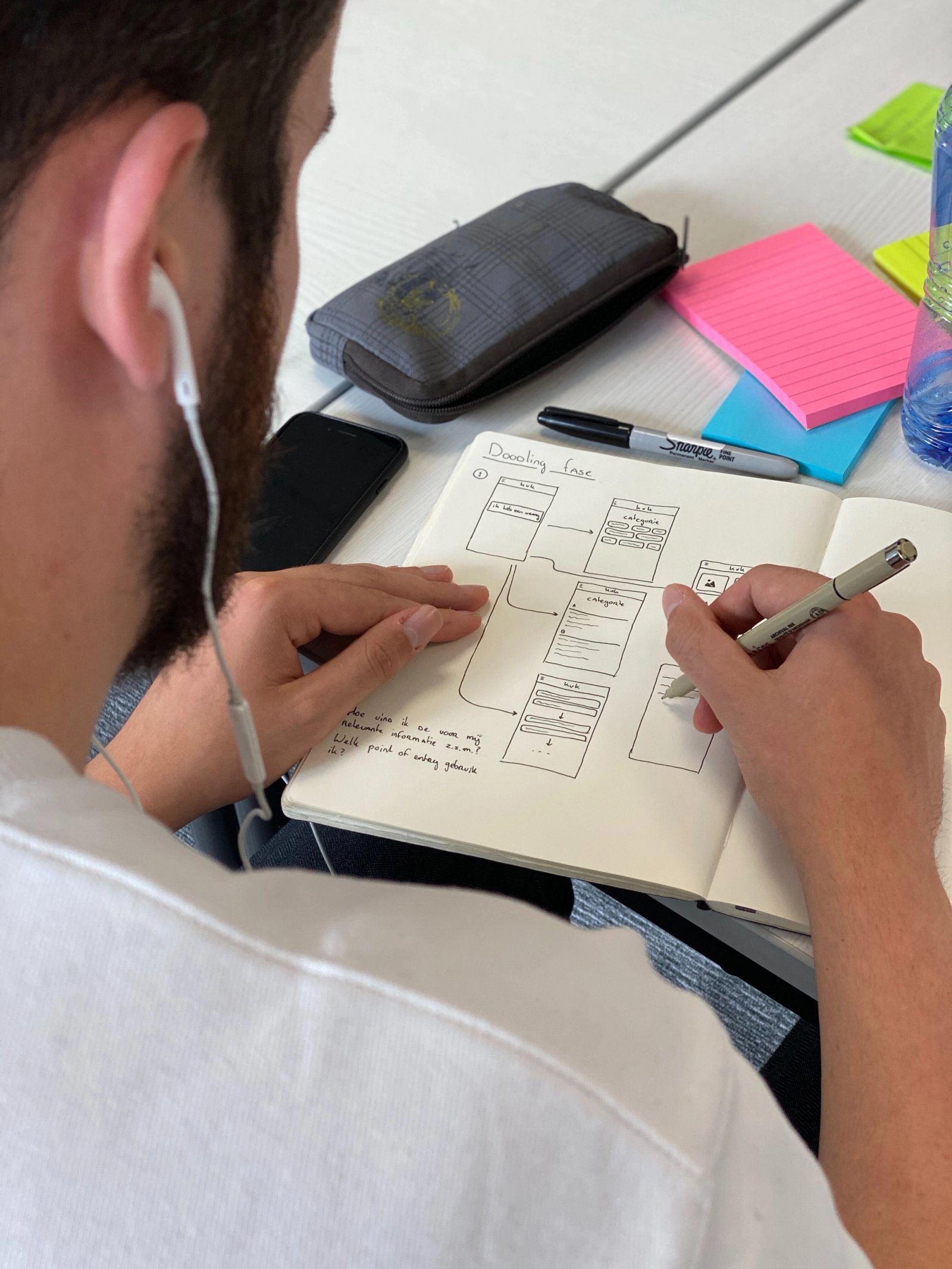
A typical UX audit goes through the following phases:
1. Intake and objectives: what are the business goals? Which user groups are relevant? Which KPIs do you want to improve? Without clear frameworks, an audit is rudderless.
2. Data collection: access to analytics, heatmaps, session recordings and any previously conducted user research. Quantitative data shows where the problems lie.
3. Expert review: one or more UX specialists assess the website based on UX principles, best practices and knowledge of the target audience. The qualitative insights make clear why certain elements are not working well.
4. User tests (optional but valuable): with five to eight participants from the target audience, the biggest pain points are validated in practice. We also have a separate article on user testing on our website.
5. Report and prioritisation: all findings are compiled in a clear report, sorted by impact and effort. This tells you exactly what delivers the most value at the lowest cost.
6. Support during implementation: the value of an audit lies not only in the report, but in what you do with it. The best projects combine research with guidance towards the solution.
What does a UX audit deliver?
A well-executed UX audit delivers more than a list of improvements. It gives organisations the following:
- Insight into user behaviour that is often not visible internally
- Substantiated priorities for the development team, without gut-feel discussion
- Higher conversions by removing friction from the user journey
- Less support as users are able to proceed independently
- A stronger brand experience as the website meets the expectations of the user
Who is a UX audit suitable for?
A UX audit is relevant for virtually any organisation with a digital product that needs to serve users. In practice, we see the most value for:
- E-commerce businesses looking to increase conversions
- SaaS providers where onboarding and retention depend on ease of use
- Governments and non-profits that are legally required to be accessible
- Companies planning a redesign who want to approach this on a well-founded basis
- Scale-ups where the product has grown faster than the UX could keep up with
Examples from practice
A UX audit looks different for every organisation, depending on the objectives and target audience. For example, we carried out an extensive accessibility audit for De Volkskrant, aimed at making the news environment accessible to a broad audience. For De Bijenkorf, we produced a detailed Accessibility Report focused on the e-commerce environment and the specific challenges that come with it.
Concluding
A UX audit is not a luxury for large companies with large budgets. It is a practical tool to understand why your website is not performing as expected, and what you can do about it. Whether you are struggling with low conversions, a high bounce rate or a redesign on the horizon: an audit provides direction, priority and confidence.
Do you have questions about UX audits or would you like to discuss what an audit could mean for your website? Get in touch with us!